
You’ve decided you need a customer portal. Now the question is how to create one — and the answer depends entirely on your stage, budget, technical capacity, and how unique your needs are. There’s no single right answer; there are five distinct paths, each with real trade-offs.
This guide is the how-to-create-a-customer-portal decision framework. We’ll cover all five paths — buy a SaaS platform, license a white-label SaaS, use a no-code builder, install a WordPress plugin, or build custom — with realistic timelines, costs, and signals for when each is the right call.
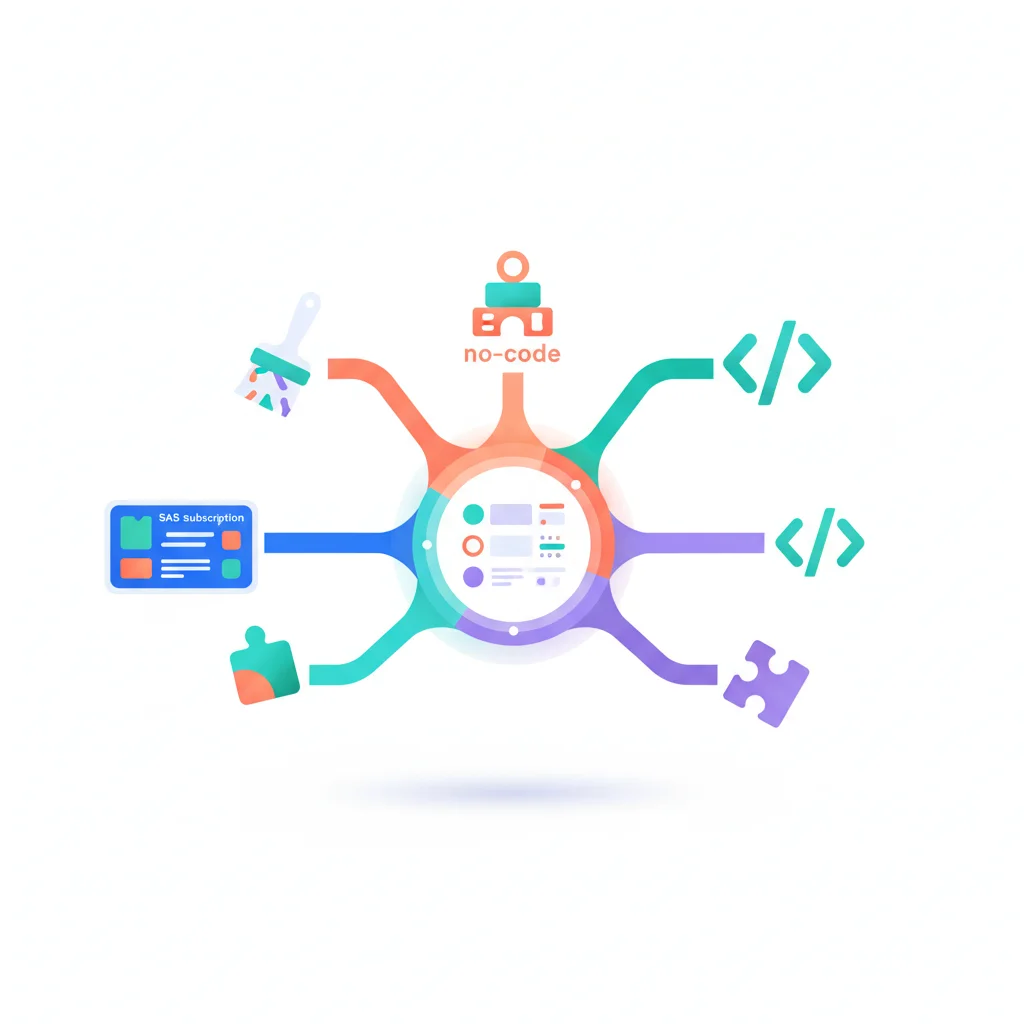
The Five Paths to Create a Customer Portal
| Path | Time to launch | Year-1 cost | Best for |
|---|---|---|---|
| 1. Buy a SaaS portal | Hours to weeks | $400–$24,000 | Most businesses with <500 customers |
| 2. License a white-label SaaS | Days to weeks | $1,000–$30,000 | Service businesses prioritizing brand |
| 3. No-code portal builder | Hours to days | $300–$5,000 | Lean teams, customizable workflows |
| 4. WordPress portal plugin | Days to weeks | $100–$2,000 + hosting | Businesses already on WordPress |
| 5. Custom build | 3–9 months | $40,000–$250,000+ | Unique needs, technical team |
Each path is detailed below. If you want the full build-vs-buy decision framework, our build vs. buy guide goes deeper.
Path 1: Buy a SaaS Customer Portal
The fastest path. Pick a SaaS platform that fits your industry or use case, sign up, configure, and launch in days or weeks.
Examples: Moxo, Assembly, Clinked, SuiteDash, Salesforce Experience Cloud, HubSpot Service Hub, Zendesk, TaxDome (accounting), SimplePractice (therapy), Pixieset (photography), Juniper Square (real estate investors), and many more.
Pros:
- Live in days. Some industry-specific platforms ship with default workflows that match your use case out of the box.
- Compliance baked in. Most reputable platforms have SOC 2 Type II; many sign BAAs for HIPAA workflows.
- Predictable cost. You pay per user/month.
Cons:
- Per-user pricing scales painfully at 100+ users.
- Limited customization beyond branding and configuration options.
- Vendor lock-in for your customer data and workflows.
When to pick: Most service businesses, professional services firms, and SMBs. The “buy” answer is the right one ~80% of the time. See profession-specific guides: accountants, therapists & coaches, healthcare, real estate investors, HOAs, vendors and suppliers.
Path 2: License a White-Label SaaS Portal
Same as Path 1 but the portal is fully branded as your business — your logo, your domain, your colors, no vendor branding visible.
Examples: Clinked, SuiteDash, Moxo, Plutio, Bonsai — most modern SaaS portals support white-label at paid tiers.
Pros:
- Looks completely custom to your clients.
- Faster than building.
- Same compliance and security as Path 1.
Cons:
- White-label is usually a paid tier — adds 30–100% to the cost.
- Vendor still controls the underlying platform.
- “Custom domain” doesn’t mean “your code” — features still come from the vendor.
When to pick: Service businesses where brand consistency really matters — agencies, consultancies, financial advisors, premium professional services. See our free, open-source & white-label portal guide.
Path 3: Build with a No-Code Portal Builder
The middle ground. Visual builders that let you create a portal without code, often on top of a database like Airtable or Google Sheets.
Examples: Softr, Glide, Stacker, Noloco, Bubble.
Pros:
- Significant customization without engineering.
- Often cheaper than purpose-built SaaS at small scale.
- Owns the data structure (it’s your Airtable / your sheet).
- Strong if you already have data in Airtable, Notion, Google Sheets, or HubSpot.
Cons:
- Compliance is your responsibility — most no-code builders don’t sign BAAs for HIPAA.
- UX limited by the builder’s components.
- Performance can degrade past hundreds of users.
When to pick: Lean teams that want more customization than SaaS allows but can’t justify a developer. See our no-code portal guide for the full comparison.
Path 4: WordPress Portal Plugin
If you already run your business site on WordPress, the cheapest, fastest portal path is usually a plugin.
Examples: Client Portal (SureCart), WP Customer Area, ProfilePress, WP-Members, MemberPress.
Pros:
- Lives on your existing domain with your existing branding.
- Cheap — $50–$500/year for plugins.
- Full ownership of data (it’s in your WordPress database).
Cons:
- Security is your responsibility — keep WordPress and plugins patched.
- Compliance work is significant for HIPAA, SOC 2.
- Performance limited by your hosting.
- Most plugins aren’t designed for >500 active users.
When to pick: Small businesses already on WordPress, with modest scale and no heavy compliance needs. See our WordPress customer portal plugins guide.
Path 5: Build a Custom Customer Portal
You write the portal software yourself, owning the codebase and operations end-to-end.
Examples: Build on Next.js + Supabase. Build on Django + Postgres. Build on Rails + Stripe. Build on Astro + your own backend.
Pros:
- Maximum flexibility — exactly the features and workflows you need.
- No per-user pricing — the cost is engineering time, not licensing.
- Deep integration with your existing systems.
- Full data ownership.
Cons:
- $40k–$250k+ to launch a quality portal.
- Ongoing engineering team to maintain.
- You own all the compliance work: encryption, audit logs, MFA, SSO, certification (SOC 2, HIPAA, etc.).
- 3–9 months minimum from kickoff to launch.
When to pick: You have very specific needs no platform addresses, you have the engineering capacity, and the operational complexity is justified. Often the right call for B2B SaaS that wants the portal embedded directly in their product. See our how to build a customer portal guide.
How to Decide Which Path is Right for You
Six questions that resolve the choice:
1. How many customers will use the portal?
- Under 50: Path 1 (SaaS), Path 3 (no-code), or Path 4 (WordPress) all work.
- 50–500: Path 1 (SaaS) or Path 2 (white-label SaaS).
- 500–5,000: Path 1 (mid-market SaaS) or Path 5 (custom) depending on complexity.
- 5,000+: Path 5 (custom) or enterprise-tier Path 1 (Salesforce Experience Cloud, HubSpot Service Hub).
2. How much customization do you need?
- Branding only: Path 1.
- Branding + workflows: Path 2 (white-label SaaS) or Path 3 (no-code).
- Custom workflows + custom data model: Path 3 (no-code) or Path 5 (custom).
- Unique product experience: Path 5 only.
3. What’s your compliance burden?
- None: Any path works.
- SOC 2 needed by enterprise customers: Path 1 or Path 2 (vendor’s certification covers you for most controls).
- HIPAA / BAA needed: Path 1 or Path 2 — verify the specific platform signs BAAs at your tier. Path 5 is possible but doubles the development cost.
- GDPR / EU residency: Path 1 with explicit EU data residency, Path 5 with proper architecture.
4. What’s your budget?
- Under $5k/year: Path 4 (WordPress) or lower-tier Path 1.
- $5k–$30k/year: Path 1 (most SaaS portals), Path 2 (white-label entry tier), or Path 3 (no-code at scale).
- $30k–$150k/year: Higher-tier Path 1, full Path 2, or initial Path 5 build.
- $150k+/year: Path 5 (custom) with ongoing engineering team, or enterprise Path 1 (Salesforce, Microsoft, etc.).
5. What’s your time-to-launch requirement?
- This week: Path 1 (SaaS).
- This month: Path 1, Path 2, Path 3, or Path 4.
- This quarter: Any path including basic Path 5.
- This year: Any path.
6. Do you have technical capacity in-house?
- No engineers: Paths 1, 2, 3, 4.
- One developer or part-time technical help: Add Path 5 to the menu if needs justify it.
- Engineering team: Any path. Path 5 becomes viable when the build cost is less than the long-term SaaS licensing cost.
The Actual Steps to Create a Customer Portal
Regardless of path, these are the steps that matter:
1. Identify the highest-value workflows for customers
Don’t try to build everything. Pick the 3–5 things customers ask for most often (invoice access, document sharing, support, project status, account management) and start there. See our features overview for what’s possible.
2. Map the data sources
For each workflow, identify where the data lives today (CRM, billing system, project management tool, file storage, email). The portal will need to read from — and sometimes write to — these systems. See our API integration guide.
3. Pick the path
Use the six questions above. Default to Path 1 unless you have a specific reason to choose another path.
4. Define authentication and access
Email + password + MFA is the baseline. SSO if you have B2B customers whose employers manage identity. See our authentication portal article.
5. Design the customer experience
The portal’s first impression matters. The customer’s first login should immediately show their data — invoices, documents, project status, support history — not a generic welcome screen.
6. Plan for adoption
A portal nobody uses is wasted spend. Plan launch communication, onboarding flows, and a strategy to migrate customers from email to the portal. See our adoption playbook.
7. Measure and iterate
Track activation rate, weekly active users, channel shift (email → portal), and customer satisfaction. Use the data to prioritize portal improvements.
Frequently Asked Questions
What’s the easiest way to create a customer portal?
For most service businesses, the easiest path is signing up for a SaaS portal like SuiteDash, Moxo, or an industry-specific platform like TaxDome for accountants or SimplePractice for therapists. You can be live in hours, with most of the work being branding configuration and inviting your first clients.
How do I create a customer portal for free?
Genuinely free options exist but they’re limited. Free SaaS tiers (Notion for very small client lists, WooCommerce My Account if you’re on WooCommerce), free WordPress plugins (WP-Members core, WP Customer Area free tier), and free no-code tiers (Softr, Glide) all work for very small scale (1–5 clients). See our free, open-source & white-label portals guide for the realistic options.
How do I create a client portal for my consulting / agency / service business?
Service businesses typically want a branded, polished experience. The popular paths: Clinked or Moxo for white-label, SuiteDash for an all-in-one, Bonsai for freelancers, or Honeybook / Dubsado for creative service businesses. See our profession-specific guides.
How long does it take to set up a customer portal?
For Path 1 (SaaS) with a simple use case: hours to days. For Path 1 with complex workflows or integrations: 1–4 weeks. For Path 3 (no-code): hours to days. For Path 4 (WordPress): days to a few weeks. For Path 5 (custom build): 3–9 months from kickoff to launch.
What does it cost to create a customer portal?
Total Year 1 cost: free tier (limited) → $400/year for low-end SaaS → $5,000–$30,000/year for mid-market SaaS → $40,000+ for custom builds. See the full portal pricing breakdown for category-by-category numbers.
Do I need a developer to create a customer portal?
Not for Paths 1, 2, 3, or 4. For Path 5 (custom build), yes. The vast majority of customer portals running today were built via SaaS or no-code paths without writing custom code.
What’s the difference between a customer portal and a client portal?
The terms are used interchangeably. Customer portal is more common in SaaS and e-commerce; client portal is more common in professional services (legal, accounting, consulting). The underlying software and choice paths are identical. See our comparison article.