You built the portal. It looks great. It solves real problems. And your customers are still emailing you like it doesn’t exist.
Customer portal adoption is the gap between “we have a portal” and “our customers actually use our portal.” Closing that gap is the difference between a smart investment and an expensive login page nobody visits. Whether you launched a member portal, a buyer portal, or a client portal, the underlying adoption problem is the same — and so is the playbook for fixing it.
Why Customers Don’t Use Portals
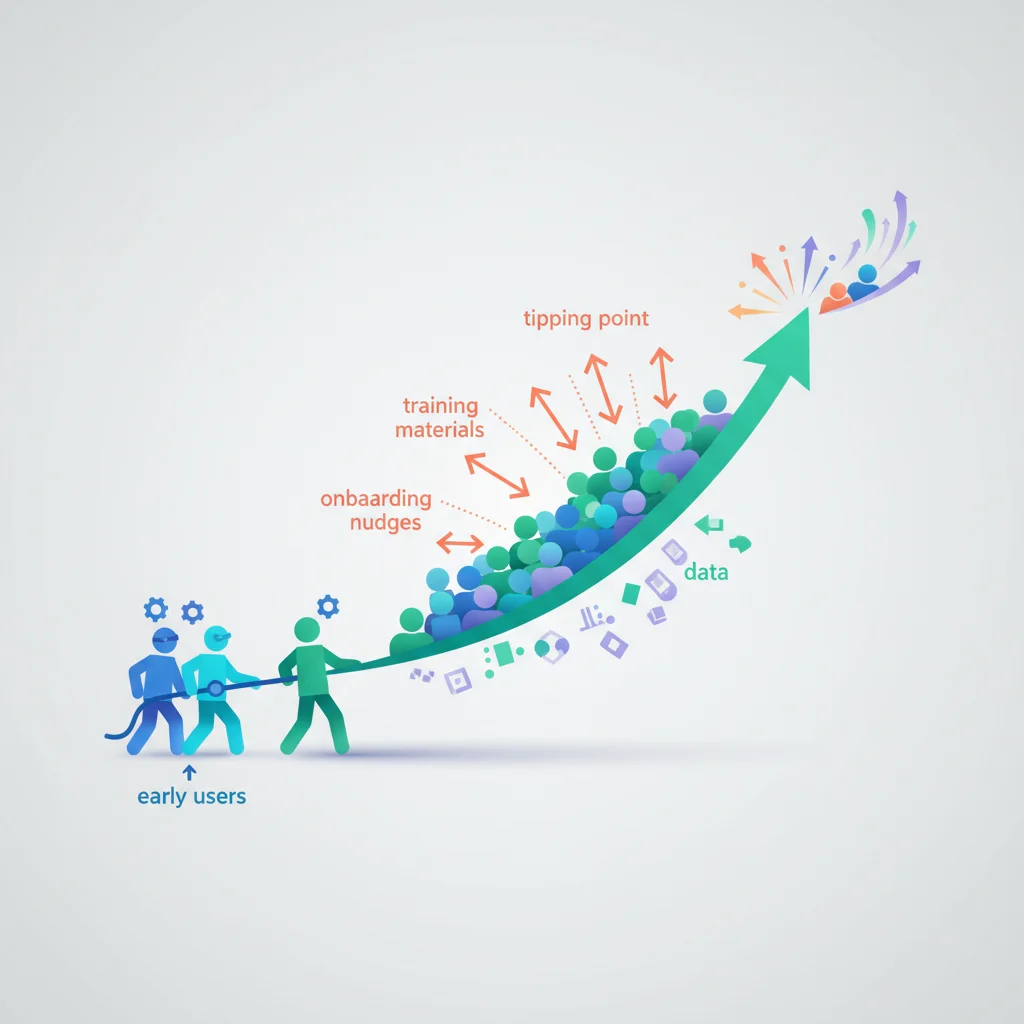
Before fixing adoption, understand why it’s low:
- They don’t know it exists — You’d be surprised how often this is the root cause. A single announcement email isn’t enough.
- They don’t see the benefit — “We have a portal” means nothing to customers. “View your invoices, track your projects, and message us — all in one place” means something.
- It’s too hard to access — Complex login processes, forgotten passwords, and confusing navigation kill adoption.
- Their existing method works — Email and phone are familiar. If the portal doesn’t offer a clearly better experience, customers will stick with what they know.
- It’s not useful enough — If the portal only does one minor thing, there’s not enough reason to log in regularly.
Strategies for Driving Adoption
1. Make the portal the default channel
Stop offering alternatives for things the portal handles. When a client emails asking for an invoice, don’t send the invoice by email — send a link to the portal where they can download it. When they call for a status update, walk them through checking it in the portal.
This sounds harsh, but it’s the most effective adoption driver. If the portal is optional, it will be optionally ignored.
2. Nail the first visit
The onboarding experience sets the tone. When a customer first logs into the portal, they should immediately see:
- What the portal offers
- Something valuable (their documents, project status, account info)
- A clear next action
If the first visit shows an empty dashboard with no guidance, they won’t come back.
3. Send useful notifications
Use email notifications to pull customers into the portal: “Your monthly report is ready — view it in your portal.” “A new document has been shared — download it here.” “Your support ticket has been updated — check the response.”
Every notification should include a direct link to the relevant content. Reduce clicks between notification and value.
4. Communicate the benefits clearly
Don’t just announce the portal — sell it. Specific benefits resonate more than generic features:
- “Access your tax documents anytime — no more waiting for us to email them”
- “Track your project progress 24/7 — see exactly where things stand”
- “Pay invoices in two clicks — no more mailing checks”
- “Get answers instantly from our help center — no waiting for a callback”
5. Reduce login friction
Every login barrier costs adoption:
- Support SSO so customers don’t need another password
- Offer “stay logged in” for returning users
- Implement password-less login (magic links) for low-security portals
- Make the portal mobile-friendly (many customers will access from their phone)
6. Make it genuinely useful
The portal needs to offer enough value that customers want to check it. A portal that only lets you view invoices won’t drive regular engagement. A portal with invoices, documents, project tracking, messaging, and a knowledge base gives customers multiple reasons to log in.
7. Train your team
Your team needs to champion the portal. If your support staff answers questions by email instead of directing customers to the portal, adoption will stay low. Make portal-first communication a team standard.
Measuring Adoption
Track these metrics:
- Portal activation rate — What percentage of customers have logged in at least once?
- Monthly active users — What percentage log in at least once a month?
- Feature usage — Which portal features are used most and least?
- Channel shift — Is email/phone volume decreasing as portal usage increases?
Set targets for each and review them regularly.
The Adoption Curve
Expect adoption to follow a pattern:
- Early adopters (first month) — 20-30% of customers try the portal
- Growth phase (months 2-6) — Consistent communication and channel redirection increase adoption to 50-70%
- Maturity (6+ months) — Portal becomes the default for most interactions, with email/phone reserved for exceptions
The key is persistence. Most businesses give up on adoption too early, reverting to email because “customers prefer it.” What customers prefer is the path of least resistance — make the portal that path.
”We Launched a Member Portal But Adoption Is Low” — A 90-Day Recovery Plan
If you’re already past launch and adoption is stuck below 30%, the situation is salvageable but you need to act methodically. Here’s the plan that’s worked across membership portals, customer portals, and buyer portals.
Days 1–14: Find out why people aren’t logging in
Don’t guess — call ten customers who haven’t logged in and ask. The answers cluster into four buckets: didn’t know it existed, couldn’t figure out how to log in, logged in once and couldn’t find anything useful, or don’t see the point. Each bucket has a different fix, so identifying the dominant reason changes everything.
Days 15–30: Remove the top login barrier
Whatever showed up most in your interviews, fix it first. If it’s “couldn’t log in,” roll out SSO or magic-link login. If it’s “didn’t know it existed,” start linking from every customer email, your email signature, your invoices, and your support replies. If it’s “couldn’t find anything useful,” redesign the dashboard so the first thing every user sees is their documents, their invoices, their project status — not a generic welcome screen.
Days 31–60: Move one channel into the portal
Pick one thing — invoices, project updates, support tickets — and stop delivering it any other way. Customers who want that thing have to go to the portal. This is the single highest-impact lever. Within two billing cycles, that channel’s portal usage will hit 60–80%.
Days 61–90: Layer in habits
Once the first channel is in the portal, add notifications that pull customers back (“Your monthly report is ready”), shift a second channel in, and start measuring weekly active users. By day 90, expect adoption to be 2–3× where it started.
Adoption Strategies by Portal Type
The headline strategy is the same, but the tactics differ.
Customer / client portals (B2B services)
Email an at-risk client list to your account managers. Have them book a 15-minute “portal walkthrough” call with their top accounts. One human touch from someone the customer already trusts moves the needle further than ten broadcast emails.
Buyer and B2B ordering portals
Buyer portal adoption hinges on transaction friction. If placing an order through the portal is even slightly slower than emailing a PO, buyers will email. Time the full ordering flow yourself. Anything over 2 minutes is a problem. See our customer order tracking portal article for the patterns that win here.
Member portals (associations, courses, communities)
Membership portals struggle when the value is aggregate (community, content library) but the login is individual. Fix this by anchoring the portal to a recurring weekly event — a Friday update, a weekly office hour, a Monday content drop — so members have a specific reason to log in on a specific day. Habit beats motivation.
Patient and healthcare portals
Patient portal adoption is heavily influenced by enrollment at the point of care. The single biggest predictor is whether the front desk hands the patient an iPad to set up their portal account before they leave the building. After-visit emails convert at 5–10%. In-person enrollment converts at 60–80%+.
Investor and LP portals
For investor portals, adoption is driven by what you make exclusive to the portal: K-1s, capital account statements, distribution notices. If LPs can request these by email, they will. If the only path is the portal, adoption follows.
Strategies to Improve Adoption: A Quick-Reference Checklist
Save this list for your next adoption review:
- Every customer email links to a specific portal page (not the login page)
- SSO or magic-link login is available
- First-visit dashboard shows the user’s own data, not generic content
- At least one high-value action (latest invoice, current project, recent message) is portal-only
- Email notifications include deep links to the relevant portal content
- Your team is trained to answer email questions with portal links, not the answer itself
- You’re tracking activation rate, monthly active users, and channel shift weekly
- Mobile experience works without thinking
- You have a specific named owner for portal adoption (not “marketing” or “product”)