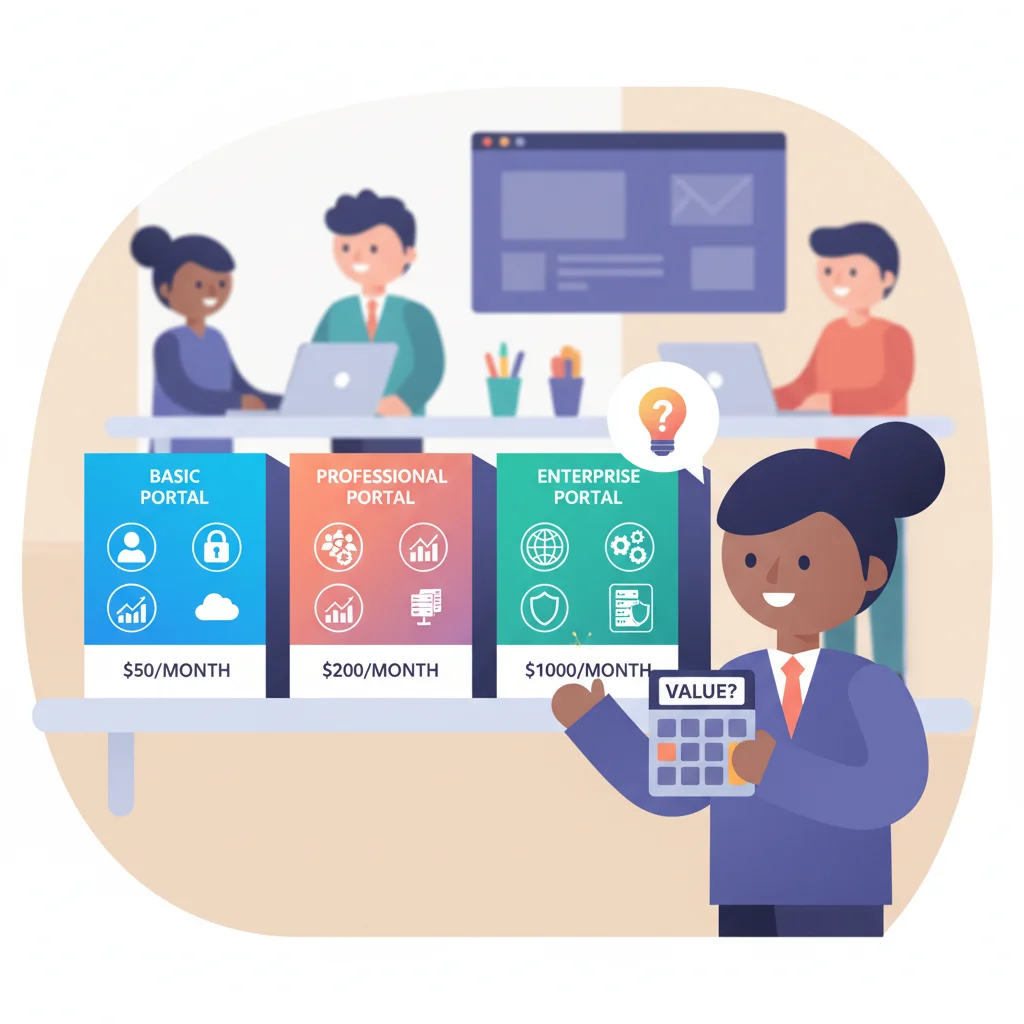
Try researching portal pricing and you’ll hit “contact sales” buttons, incomparable usage units, and tiers that move over time.
The durable way to compare options is to normalize the pricing model, implementation scope, and operating cost against the same requirements. This guide deliberately avoids presenting named vendors’ current prices; use each vendor’s official pricing page or written quote for current terms.
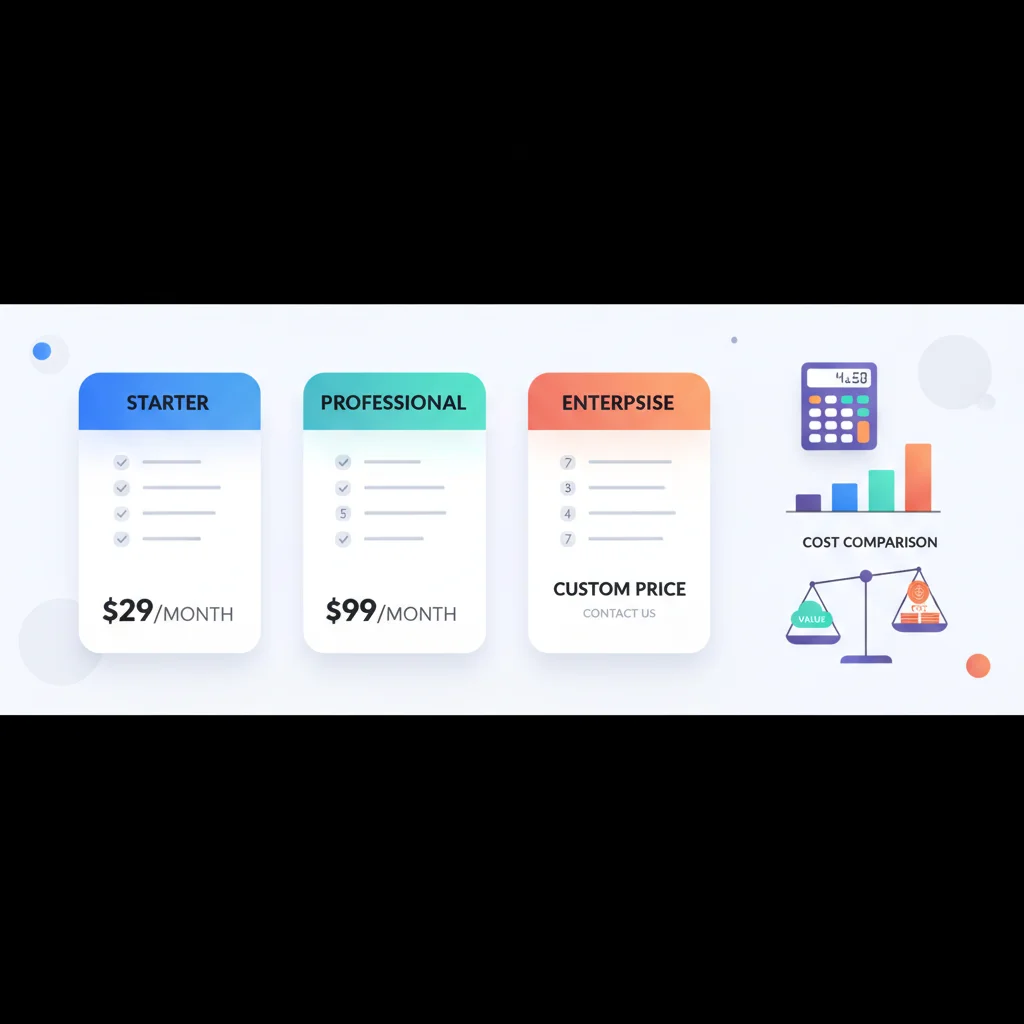
The Main Commercial Models
1. Off-the-Shelf SaaS Platforms
These are ready-made portal platforms you configure for your business. You sign up, customize the branding, set up your features, and invite clients.
Examples: Copilot, SuiteDash, Clinked, Huddle, Onehub, Moxo, Ahsuite
What you get: Pre-built features for document sharing, messaging, billing, client onboarding, and branding. Most include a content management system, user management, and basic integrations.
Best for: Small to mid-size businesses that need a portal without development resources.
Common charging units include internal users, invited customers, monthly active users, workspaces, feature tiers, usage, or an enterprise quote. Check which users count, whether inactive accounts are billed, and whether SSO, API access, white-labeling, support, storage, and additional environments are separate line items.
2. Low-Code / No-Code Platforms
These platforms let you build a custom portal without writing code, using drag-and-drop builders and pre-built components. More flexible than off-the-shelf, but require more setup time.
Examples: No-code portal builders like Softr, Stacker, Glide, Internal.io, Retool
What you get: A custom-configured portal built on a platform, with more control over the interface and workflows. Often connects to your existing data sources (Airtable, Google Sheets, databases).
Best for: Businesses with specific workflow requirements that off-the-shelf platforms don’t cover.
3. Custom Development
A portal built from scratch by a development team, tailored exactly to your requirements.
What you get: Complete control over every aspect — features, design, integrations, data model, and hosting.
Best for: Businesses with unique requirements, high volume, or strict compliance needs that no existing platform can meet.
Estimate a custom build from scope and delivery capacity rather than a generic market range. Include discovery, design, identity, tenant isolation, integrations, migration, testing, accessibility, security review, hosting, monitoring, support, and continued product development. A small interface over clean APIs is a different project from a multi-tenant platform that must reconcile data across legacy systems.
See our build vs. buy guide for a detailed comparison of these approaches.
What Drives Portal Pricing
Number of users
Most SaaS platforms price by user count or tier. A portal for 50 users costs less than one for 5,000. Some charge per “seat” (team members), others per “contact” (clients), and some by total users.
Storage
Document-heavy portals need more storage. Most platforms include a base allowance and charge more by storage tier or usage. If you’re in accounting or legal and managing thousands of documents, model file growth, versions, backups, exports, and retention—not just today’s storage.
Features
Basic platforms cover document sharing and messaging. Advanced features — billing and payments, workflow automation, reporting, API access — usually require higher tiers.
White-labeling
Removing the vendor’s branding and using your own domain, colors, and logo is a common upsell. Basic branding (logo and colors) is usually included. Full white-label customization (custom domain, no vendor watermarks, branded emails) is typically a premium feature.
Integrations
Connecting the portal to your CRM, accounting software, or other tools may require a higher tier or paid add-ons. Native integrations (built-in connections to popular tools) are often included. Custom integrations via API usually require a professional or enterprise plan.
Support level
Email support is usually included. Priority support, dedicated account managers, and custom onboarding assistance are premium.
The Hidden Costs Nobody Mentions
The subscription fee is the easy part. Here’s what catches businesses off guard:
Implementation time
Even “plug and play” platforms require setup. Configuring your portal — branding, user roles, document structures, integrations — takes 10-40 hours of team time. For custom builds, multiply that by 10.
Content creation
A portal needs content. Knowledge base articles, onboarding guides, help documentation, welcome messages — someone has to write all of it. Budget 20-60 hours for initial content, plus ongoing maintenance.
Training
Your team needs to learn the platform. Your clients need guidance on using it. Training materials, walkthrough videos, and support documentation take time to create.
Ongoing maintenance
Content goes stale. Features need updating. New integrations are requested. Plan for 2-5 hours per week of ongoing portal management for a small to mid-size deployment.
Migration
If you’re moving from email and shared drives to a portal, migrating existing documents and data takes time. For a business with 100 clients and thousands of documents, this can be a significant project.
Free Options: What You Actually Get
Several platforms offer free tiers. Here’s the reality:
- Help desk portals (Freshdesk, Zendesk free tiers): Basic ticket submission and knowledge base. No document sharing, no billing, no branding. Good if all you need is a support portal.
- Simple file sharing (Google Drive, Dropbox shared folders): Not really a portal — no branding, no unified interface, limited access controls. But it’s free.
- Open-source portals: Exist but require technical expertise to deploy, host, and maintain. The software is free; the implementation effort is not.
Free options work for very basic needs. If you need a branded, multi-feature portal, expect to pay.
Pricing Models at a Glance
| Model | Primary cost driver | What to verify | Common risk |
|---|---|---|---|
| Per internal user | Employees or agents with access | Role types, minimum seats, inactive users | Cost grows with the operating team |
| Per customer or contact | Invited external accounts | Whether all records or only active users count | A large customer database becomes expensive |
| Monthly active user | Unique users who log in during a period | Definition of active, included allowance, overage | Successful adoption increases the bill |
| Usage based | Transactions, messages, storage or automation runs | Meter definitions, caps, overage and alerts | Variable cost and difficult forecasting |
| Flat subscription or tier | Feature bundle and limits | SSO, API, branding, environments and support | Critical controls sit behind a higher tier |
| Enterprise quote | Negotiated scope and contract | Implementation, renewals, indexation and exit support | Offers are difficult to compare |
| Custom build | Delivery scope and continuing capacity | Ownership, hosting, security and roadmap | Maintenance is underestimated |
How to Avoid Overpaying
- Start with the lowest tier that meets your needs. You can always upgrade. Most platforms make it easy to move up and hard to move down.
- Calculate total cost of ownership, not just subscription cost. Include setup time, content creation, training, and ongoing maintenance.
- Don’t pay for features you won’t use in the first 6 months. Advanced reporting and API access sound appealing, but if you’re starting out, basic features are enough.
- Compare contract terms, not only the headline fee. Review renewal increases, commitments, minimums, overage, support, and termination assistance.
- Ask about startup or SMB pricing. Many vendors have unpublished discounts for smaller businesses.
The Real Cost Isn’t the Software
Here’s the uncomfortable truth: the software is usually the smallest part of the total investment. The real cost is the time and effort to set it up properly, create useful content, train your team, onboard your clients, and maintain it over time.
A lower-cost portal that’s well-configured and actively maintained can outperform an expensive platform that was set up hastily and forgotten. The ROI of a customer portal depends far more on adoption and usage than on which platform you choose.
Frequently Asked Questions
How much does it cost to set up a customer portal?
A SaaS portal usually combines a subscription or usage model with implementation and administration. A custom build shifts more cost into discovery, engineering, integrations, infrastructure, security, support, and continued development. Compare both over the same three-year period with identical user, usage, and growth assumptions.
How does Salesforce customer portal pricing work?
Salesforce Experience Cloud pricing depends on the edition, login or member model, usage and the wider Salesforce contract. Implementation, identity, integration and administration are separate cost drivers. Use Salesforce’s current Experience Cloud pricing and compare the quoted total cost against the same requirements used for other platforms.
Is a client portal a CRM?
No — they’re related but different. A CRM is internal-facing software your team uses to track customer relationships. A client portal is the customer-facing surface where clients log in. Modern portals often integrate with the CRM (the portal reads customer data from the CRM), but they serve very different audiences. See our CRM integration guide.
What is a customer portal used for?
Customer portals are used for any interaction that benefits from being self-service and tied to a specific customer: viewing invoices, paying bills, downloading documents, tracking orders or projects, submitting and tracking support tickets, accessing reports, updating account info, messaging with the business, and accessing knowledge-base content. See the pillar page for industry-specific examples.