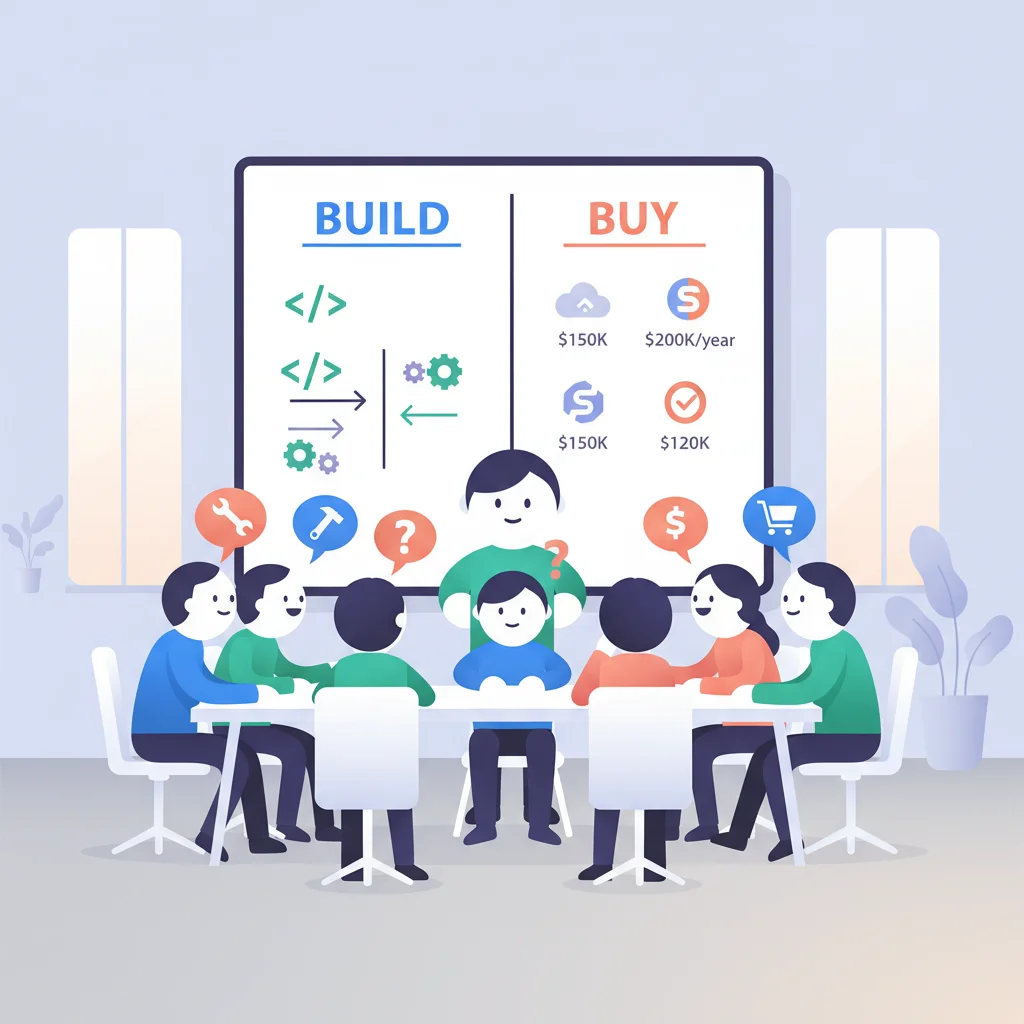
Build from scratch and you get total control — but you’re signing up for months of development and ongoing maintenance. Buy off the shelf and you’re live in weeks — but you’re adapting your workflow to someone else’s tool.
Neither option is universally right. The wrong choice wastes either money or time (sometimes both). Here’s how to figure out which path makes sense for your business.
Option 1: Buy (Off-the-Shelf Platform)
Use a SaaS portal platform and configure it for your needs.
Typical platforms
- Assembly — Modern client portal for service businesses
- SuiteDash — All-in-one portal with CRM, billing, and project management
- Clinked — White-label client portal for professional services
- Moxo — Client interaction platform with workflows
- FuseBase — Client collaboration platform
Costs
- Monthly: $50-500/month depending on features and users
- Setup: 10-40 hours of configuration
- Annual total: $1,000-$10,000
Timeline
- 2-6 weeks from decision to live portal
Pros
- Fast to launch
- No development team needed
- Vendor handles hosting, security, updates
- Predictable ongoing costs
- Built-in features (billing, messaging, documents)
Cons
- Limited customization — you adapt your workflow to the tool
- Feature dependencies on the vendor’s roadmap
- Data portability concerns
- Monthly costs increase with scale
- May not integrate with all your existing systems
Option 2: Build (Custom Development)
Build a portal from scratch using web development frameworks.
Technology choices
- Frontend: React, Vue, Next.js, or similar
- Backend: Node.js, Python (Django/Flask), Ruby on Rails, or similar
- Authentication: Auth0, Firebase Auth, Clerk, or custom
- Database: PostgreSQL, MongoDB, or similar
- Hosting: AWS, Google Cloud, Azure, Vercel, or similar
Costs
- Development: $20,000-$100,000+ depending on complexity
- Ongoing maintenance: $5,000-$20,000/year
- Hosting: $50-500/month
Timeline
- 3-9 months from decision to live portal
Pros
- Complete control over features and UX
- No vendor dependency
- Can implement unique workflows
- Own your technology stack
- Can become a competitive advantage
Cons
- High upfront investment
- Requires development resources (in-house or contracted)
- Ongoing maintenance responsibility
- Slower to launch
- You handle security, compliance, and scaling
Option 3: Hybrid Approach
Use a platform for the foundation and customize where needed. This could mean:
- Using a platform like Salesforce Experience Cloud and customizing with code
- Using a portal builder like Retool or Budibase for internal tools
- Using a headless CMS with a custom frontend
- Starting with an off-the-shelf platform and replacing it with custom later (once you know exactly what you need)
Decision Framework
| Criterion | Lean Buy | Lean Build |
|---|---|---|
| Budget | < $15K first year | > $25K available |
| Timeline | Need it in < 2 months | Can wait 3-9 months |
| Technical team | No developers | In-house dev team |
| Requirements | Standard features | Unique workflows |
| Integration needs | Standard CRM/billing | Custom backend systems |
| Competitive importance | Portal is a tool | Portal is a differentiator |
| Scale | < 500 customers | 500+ customers |
| Customization | Branding + configuration | Custom features + logic |
The Pragmatic Path
For most SMBs, the smartest path is:
- Start with a platform — Get to market fast, learn what your customers actually use
- Gather feedback — Understand what works and what’s missing
- Evaluate — After 6-12 months, decide whether the platform meets your growing needs
- Migrate if needed — If you outgrow the platform, you now know exactly what to build
This approach avoids the most common custom build mistake: building features nobody uses.
Frequently Asked Questions
What makes a good customer portal?
Six things consistently distinguish good customer portals: (1) Branded, polished UX that matches the business it represents. (2) Strong authentication including MFA. (3) Per-customer context — each user sees their data, nothing more. (4) Self-service capability for routine actions. (5) Mobile-friendly or native app. (6) Integration with your existing systems (CRM, billing, support). Beyond these, industry-specific needs (compliance, workflows, integrations) determine the right product.
What is the difference between build and buy?
“Build” means writing your own portal software, owning the codebase and operations. “Buy” means licensing a SaaS portal product and configuring it for your business. Build offers maximum flexibility and avoids per-user pricing but requires significant engineering investment and ongoing maintenance. Buy offers fast time-to-value, vendor-managed compliance, and predictable costs but with feature limitations and vendor lock-in. The detailed framework is throughout this guide.