
You charge premium rates for premium work. So why does your final deliverable arrive as an email attachment that lands between a newsletter and a meeting invite? The way you present your work shapes how clients perceive its value.
A client portal for consulting firms gives your deliverables the professional presentation they deserve — a structured, branded environment where clients access work product, track engagement progress, review invoices, and communicate with your team. Whether you call it a consulting client portal, a client-facing project portal, or simply customer portal consulting software, the goal is the same: make your work visible, organized, and easy to engage with.
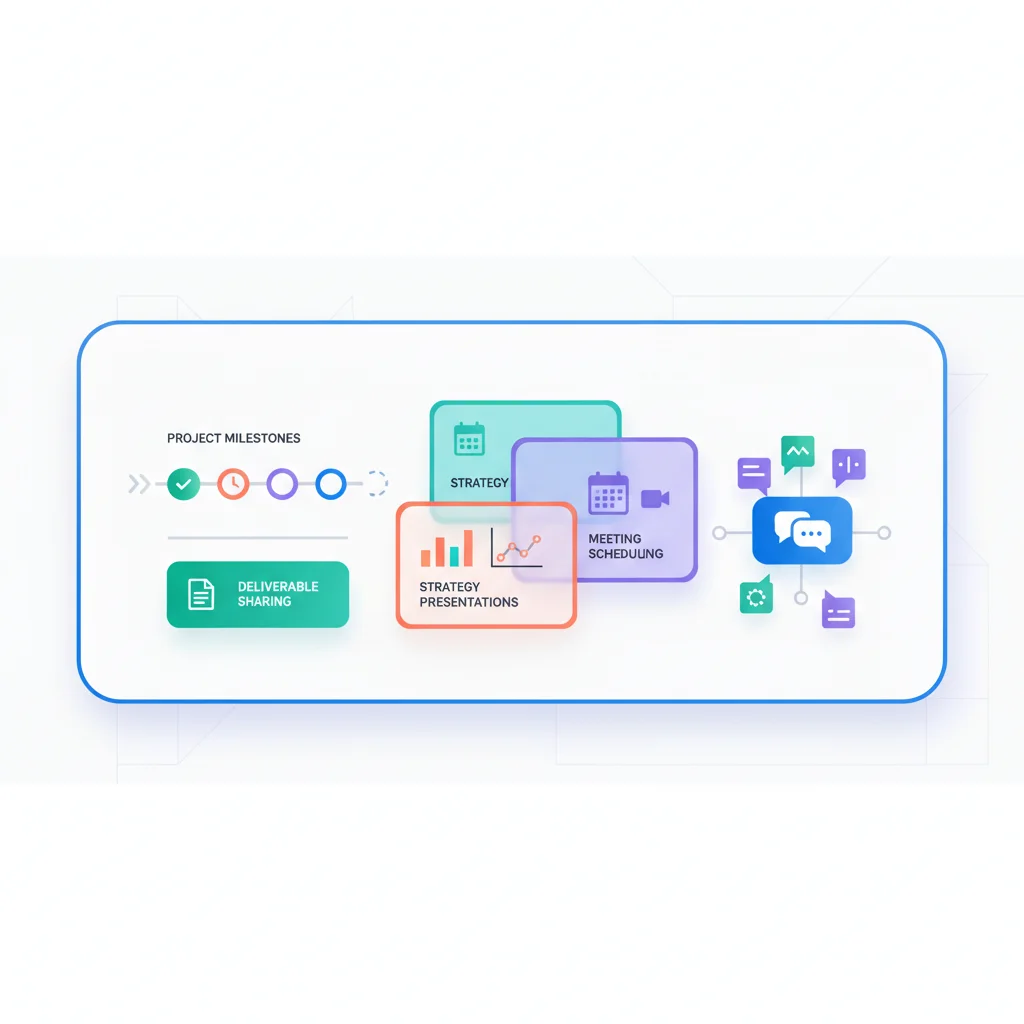
Problems a Client Portal Solves
Deliverable delivery feels anticlimactic
When a consultant spends weeks on a strategic analysis and delivers it as an email attachment, the presentation of that work doesn’t match its value. A portal provides a dedicated space where deliverables are organized, contextualized, and accessible — giving the work the professional presentation it deserves.
Scope and engagement tracking challenges
Consulting engagements have defined scopes, phases, and milestones. Without a central tracking tool that clients can access, misunderstandings about what’s been delivered vs. what’s remaining create friction. A portal with engagement tracking solves this.
Knowledge loss after engagement ends
When a consulting engagement wraps up and all the deliverables are scattered across email threads, the knowledge gets lost. A portal provides a permanent archive that clients can reference months or years later.
Difficulty demonstrating ongoing value
For retainer-based consulting relationships, demonstrating ongoing value is critical to retention. A portal with activity logs, deliverable history, and impact reporting makes the value visible.
Key Features for Consulting Portals
- Deliverable library — Organized access to all reports, analyses, presentations, and recommendations.
- Engagement tracking — Phase, milestone, and task tracking for active engagements.
- Document collaboration — Share drafts for review, collect feedback, and track versions.
- Secure messaging — Engagement-specific communication channels.
- Invoice and billing — View engagement budgets, invoices, and payment history.
- Meeting notes and action items — Centralized record of discussions and next steps.
- Client onboarding — Structured intake of goals, stakeholders, access requirements, and background information.
Consulting Portal Software
- Moxo — Client interaction platform with structured workflows, document sharing, and messaging. Popular among mid-size consulting firms that need audit-ready client collaboration.
- Assembly — Modern client portal for service businesses with documents, messaging, billing, and custom apps. A solid choice for growing consultancies.
- Clinked — White-label client portal for professional services with file sharing, task management, and group discussions. Well-suited for firms that want a fully branded experience.
- SuiteDash — All-in-one portal with CRM, project management, file sharing, and client access. Popular among solo consultants and small firms looking for a single platform.
- Notion — While not a traditional portal, many solo consultants and small teams use shared Notion workspaces as lightweight client portals before graduating to purpose-built tools.
- Teamwork — Project management with client access for task tracking and deliverable sharing. A good fit for consulting firms already running project-based work.
What a Consulting Portal Looks Like in Practice
Here’s what actually happens when a consulting firm puts a portal in front of their clients — and why it changes the relationship.
Picture a small management consulting firm with a dozen active retainer clients. Before a quarterly business review, the client opens their portal and sees everything in one place: the project timeline showing where the current engagement stands, a link to download the latest strategy deck, hours logged against their retainer budget, and the action items from the last meeting. Instead of emailing their account manager to ask “what have you been doing for us?”, the answer is right there. That single shift — from clients asking for proof of value to clients seeing it unprompted — changes the entire dynamic of the relationship.
Now consider a more structured engagement. A firm using Moxo sets up a multi-phase workflow for a new client. The client logs in, sees that the engagement is currently in Phase 2 (Assessment), accesses the draft deliverable that’s ready for their input, leaves comments directly on the document, and approves the final version — all within the portal. Every action is timestamped, creating a full audit trail of who reviewed what and when. No more ambiguity about whether the client “signed off” on a recommendation. No more digging through email threads to reconstruct who said what.
The audit trail matters more than most consultants realize. When a client questions a strategic recommendation six months after the engagement, you can point to the exact document version they reviewed, the comments they left, and the approval they gave. That’s not just good record-keeping — it’s liability protection.
What’s interesting is where many consultants start. Before investing in a dedicated portal platform, plenty of solo consultants and small firms use shared Notion workspaces or Google Workspace pages as a lightweight client portal. They create a structured page with sections for deliverables, meeting notes, and project status — and it works surprisingly well for the first few clients. The limitations show up when you’re juggling ten or more clients and need proper access controls, billing integration, and branded presentation. That’s usually the trigger for moving to a purpose-built tool like Moxo, Assembly, or Clinked.
The common thread across all these scenarios is that the portal replaces the invisible work of consulting with visible progress. Clients don’t wonder what’s happening. They see it. And that visibility is what turns a transactional consulting engagement into a long-term advisory relationship.
Client Portal Software for Consultants
Different size firms need different tools. Here’s how to think about it.
For solo consultants and small firms (1–5 people)
If you’re a solo strategist, a small boutique, or a 2–3 person advisory shop, the priority is time-to-portal — you want something polished without weeks of setup.
- SuiteDash — All-in-one platform with CRM, projects, file sharing, and a branded client portal. Popular among independent consultants who want one bill, one login, one place to live.
- Notion — Many solo consultants run a shared Notion workspace per client as a lightweight portal. Great for getting started; less great once you have ten active engagements with billing complexity.
- Clinked — Fully white-labeled, mobile-friendly, and well-suited to consultants who care a lot about branded presentation.
For mid-size firms (5–50 people)
At this scale, audit trails, role-based access, and integrations with your accounting and project tools start to matter.
- Moxo — Structured client workflows, document approvals, e-signatures, and messaging in one platform. Strong choice for firms running phased engagements that need an audit trail.
- Assembly — Modern client portal with documents, messaging, billing, custom apps, and integrations. Built for service businesses scaling past 10 employees.
- Teamwork — Project management with client-facing access. Fits firms already running project-based delivery and wanting clients in the same tool.
For larger consulting firms and enterprises
Larger firms typically need SSO, granular permissions, custom branding at the engagement level, and integrations with their PSA (professional services automation) stack. At this size, you’re often comparing portals from Salesforce Experience Cloud, bespoke builds, or enterprise-grade platforms like Moxo and Assembly with custom configurations. Read our build vs. buy guide before committing.
Client Portals for Specific Consulting Specialties
A portal looks different depending on what kind of consulting you do.
Operations consulting portals
For operations consultants — process improvement, supply chain, lean transformation — the portal needs to expose live operational data: KPI dashboards, before/after process diagrams, audit checklists, and time-stamped change logs. Clients want to see ROI on the engagement as it accrues, not in a final PDF. Look for portals with strong reporting and analytics and the ability to embed live charts from their data sources.
Management and strategy consulting
For McKinsey-style strategy work, the portal is primarily a deliverable library and approval channel — board-ready decks, executive memos, financial models, and approval workflows for recommendations. Branding and presentation matter disproportionately at this end of the market.
IT and technology consulting
For IT consulting and digital transformation work, expect more emphasis on technical documentation, architecture diagrams, sprint progress, and shared development artifacts. Portals with strong task and project tracking and the ability to integrate with Jira, GitHub, or Linear work best here.
Financial advisory and tax consulting
These firms often start from a different industry angle — the portal becomes a secure document exchange with e-signature and bank-grade encryption for sensitive financial data.
Frequently Asked Questions
What’s the best client portal for consulting firms?
The “best” depends on size and how structured your engagements are. For solo consultants prioritizing simplicity, SuiteDash or Clinked usually wins. For mid-size firms needing audit trails and structured workflows, Moxo or Assembly is typically the better fit. For larger firms with custom requirements, expect to evaluate enterprise platforms or consider building. See our build vs. buy guide for the decision framework.
How is a consulting client portal different from generic project management software?
Project management tools (Asana, ClickUp, Monday) are built for internal teams. A consulting client portal is built for the client experience — branded presentation, restricted views so clients only see what’s relevant to them, billing integration, e-signature, and a focus on deliverables rather than internal task lists. Clients shouldn’t see your internal task statuses; they should see polished outputs and clear progress markers.
Can a client portal really reduce admin time for consultants?
Yes — measurably. Most firms report 30–50% reductions in client-status email volume within the first quarter of adoption. The mechanism is simple: when clients can see project status, latest deliverables, and billing on demand, they stop emailing to ask. The time saved compounds across every client relationship.
Do clients actually use consulting portals?
Adoption is the make-or-break factor. Portals that fail tend to share a pattern: clients are sent a login and expected to find their way. Portals that succeed share another pattern: every email to the client links into a specific portal page, and the portal is the only place certain things (final deliverables, signed approvals, current invoices) live. See How to Get Customers to Actually Use Your Portal for the playbook.
What’s the difference between a client portal and a “client-facing project portal”?
In practice, they’re the same thing — the second phrase emphasizes that clients can see project status and milestones, not just static documents. A modern consulting client portal should always include both: a deliverable library and a project view showing where the engagement stands.